Winmend Folder Hidden Password Retriever
One of my friends came to me yesterday saying that he had forgotten the password and was unable to recover his locked folder and files. Every time he tried any password, a warning box popped up with dialogue::@ Wrong password! He used a Software named Winmend Folder locker for locking his personal files. Then I told him this simple but crafty trick which worked for him to recover his lost files. This trick also worked for me when I try to pry into my friends Locked files in his/her computer.
Hello, hi,i am using winmend folder hider software.,recently I changed the password yesterday I try to open it but I forgot the password.even the file is in hidden. WinMend Folder Hidden lost password. The link to this winmend folder hidden password retriever. If a folder is hidden using Winmend, you will need the password. All in all, WinMend Folder Hidden is a flawless application and perfect for those looking for hide their important files from unintended eyes.

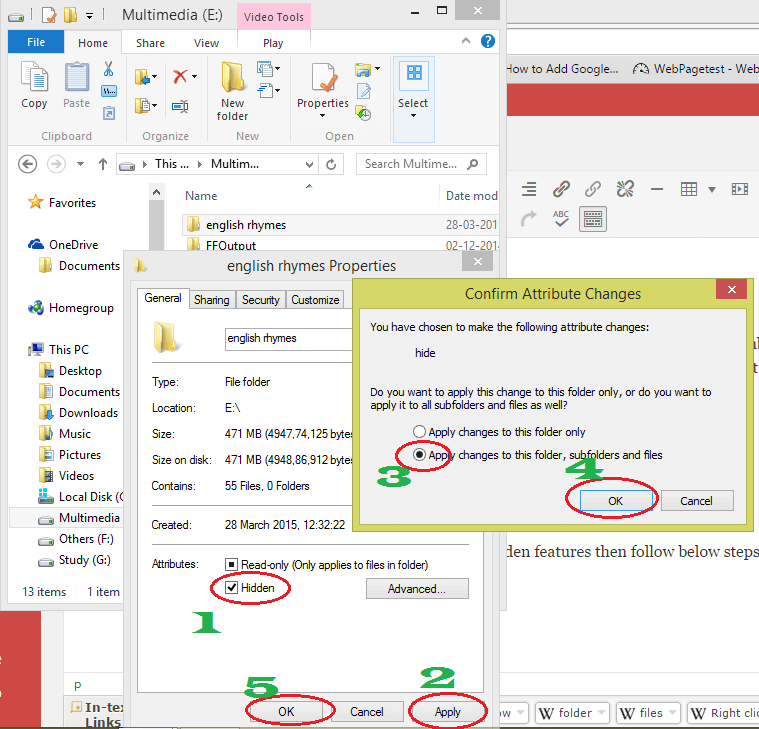
Recover locked folder forgot password or hack your friends. Hack or Recover locked folder and files.. Winmend folder hidden installed registry in G.
Recover locked folder Full instructions: • This trick is working for the following softwares: GiliSoft File Lock Pro Winmend Folder locker Folder Encryption by kakasoft Folder lock 7 You can try other folder locking softwares• Download and install 7zip file manager from the below download link • Check below pictures to discover how I unlocked a Folder “portfolio” in pendrive K: • After downloading, Run 7 Zip file manager.exe and Navigate to the location where you have the locked files. • Open folders one by one untill you get the hidden folder. There may have many folders inside folders. • Finally you will get the locked folder 🙂 😀 Mission successful:D. You have got access to locked files without knowing passwords 😉• Now copy these files to another locations. Hello Munna, This is vijay actually i m used winmend folderhidden ( this one activation for folder lock in registry type ) not exe file, i forget password now my files and family photos are hidden by winmend folderhidden.
Winmend folder hidden installed registry in G drive i mean (G: folder lock Folder Hidden Activation Key for folder lock.reg ) and folder are locked in D drive in the name of videos and G drive in the name of software plz tell me the solution how to reopen my folder plz help me to reopne my folder plz waiting for ur reply. Alih Program Pendidikan Unila. Hi I used winmend in this post to show you how to do that. You have to download and install 7-zip. After installing open 7-zip. Now you have to browse to the locked folder i.e. D drive or G drive.
In the drive you will get a folder “Winmend Hidden”. Open this folder. You will get more folders inside this folder. Open one by one. At last you will see your video files there.
Now copy the files to some other place. If you can’t do this way then take help from your friend to help you install Linux on a pendrive Min 8GB or more.
Now Boot your computer from this pendrive. THis way you can see your files because Winmend does not run in Linux OS. Hope this helps.
LIMITED TIME OFFER We are offering 5 wonderful software to our customers, each costing $19.95. For the limited time only, you can buy all five for only $20.95!
• WinMend System Doctor • WinMend Registry Cleaner • WinMend History Cleaner • WinMend Disk Cleaner • WinMend Data Recovery Original Price $99.75 Now Only $20.95 Retrieve Your License Code Here! Paid for our products and lost your license key? Get it back here! Paid for our products and want license key for the new version? Enter your email address.